Consulting & analysis
Learn moreShow less
UX analysis at the workplace, Launchpad and role concept, assessment of existing apps
Fiori is the user interface of S/4HANA and EWM. We develop apps for forklifts, packing stations and control rooms together with the people who work with them every day. The result is so simple that nobody works around the system.
SAP Fiori is SAP’s user interface standard. Fiori replaces long transactions with dozens of fields with apps built for one role and one task. They run in the browser, on the desktop just as on a tablet or scanner.
With S/4HANA, SAP ships thousands of Fiori apps. The entry point is the Fiori Launchpad, a home page with tiles that shows different apps depending on the role.
Where the standard does not fit the workplace, custom apps are created. The framework behind them is called SAPUI5, or UI5 for short. Custom apps thus fit in just like SAP’s own.
Fiori’s design guidelines set the framework for this. What is created within this framework is guided by the people who work with the app.

Fiori spans all the systems on this page, from S/4HANA to EWM. The question is therefore usually whether the standard app is enough for the workplace or whether a custom app delivers more.
Yes. Fiori apps run in the browser and adapt to the screen size. For use in the warehouse, we design them so that they can be operated with gloves and with one hand.
In many areas, yes. SAP delivers new functions mainly as Fiori apps. Some transactions continue to run in the classic interface, also embedded in the Launchpad.
Yes, within limits. Hiding fields, changing sequences or arranging tiles is done through configuration, without programming. Anything beyond that becomes an extension or a custom app.
For standard patterns such as lists and detail pages there is Fiori Elements, which gets an app up and running quickly. Apps with their own logic, for example for the packing station, take more time. We clarify the scope in the orientation workshop.
In the S/4HANA system itself or on SAP BTP. Which path fits depends on the data, the users and the extension strategy.
Yes. Fiori apps show open orders, bottlenecks or KPIs in real time, also on large monitors in the hall.
Every SAP implementation changes how people work. Warehouse employees who used to keep everything in their heads receive instructions from the scanner. If the interface is cumbersome, that meets resistance.
The consequences only become visible months later. Paper notes reappear, Excel lists creep in alongside the system, postings are made at the end of the shift. The system runs, but the warehouse works around it. This loses what the project was started for.
That is why we start at the workplace. Together with the customer and the users, we look at where working with SAP costs time today, count clicks and walking distances and solve this with an interface that fits the process. The users stay on board throughout: they see a mock-up before a single line of code is written, test the prototype at their own workplace and give feedback right through to implementation. For us, an app is more than a list of requirements. It has to solve a problem that the people at the packing station actually have. The picker is just as important as the developer who will maintain the app in three years’ time.
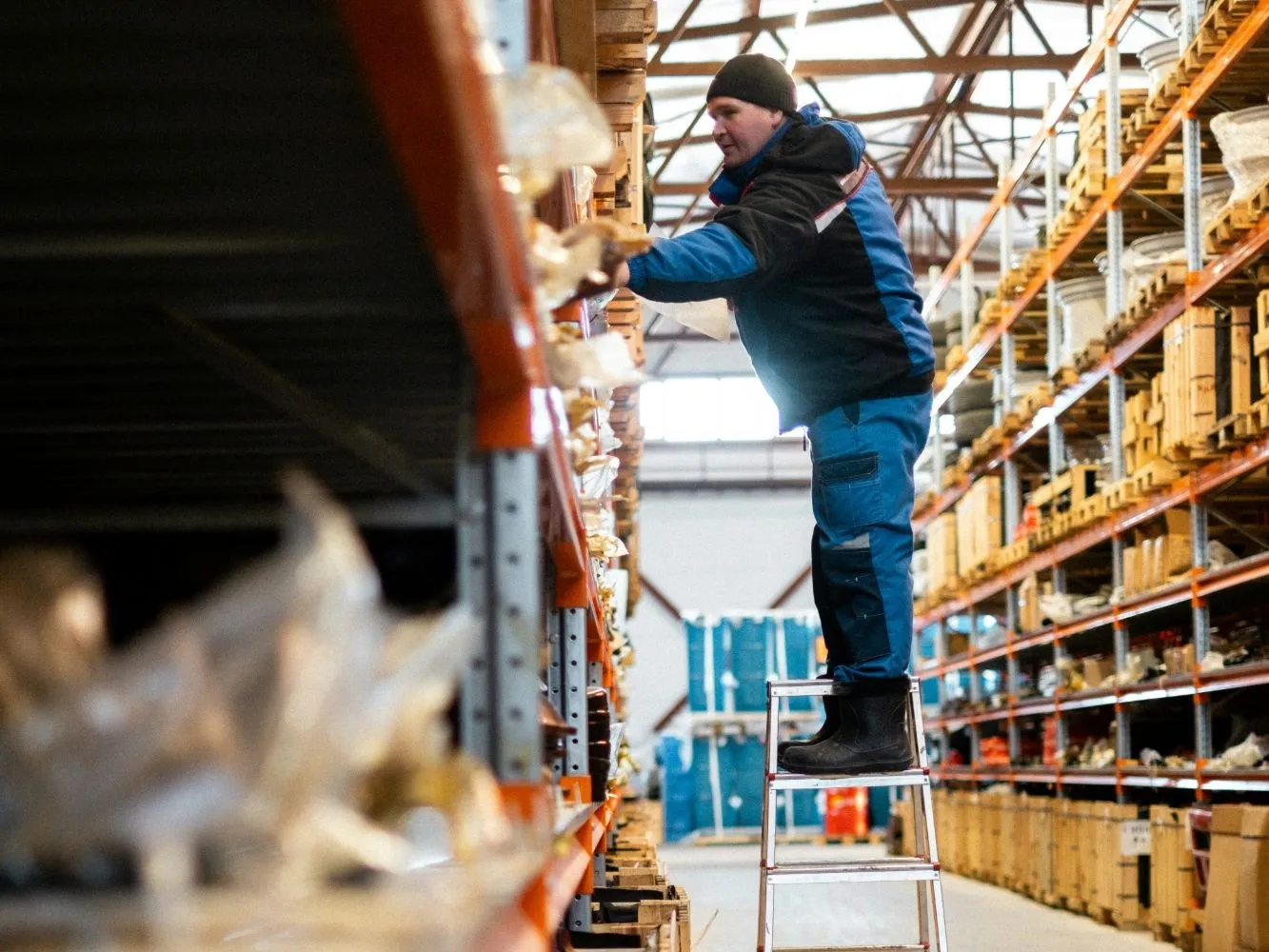
It starts with a short conversation about the workplaces where working with SAP costs the most time today. In the one-day orientation workshop, we look at the processes together with the users and determine which app delivers the greatest benefit. This is followed by a mock-up and a prototype, each with feedback from the warehouse, and only then by implementation.
UX analysis at the workplace, Launchpad and role concept, assessment of existing apps
Custom Fiori and UI5 apps, Fiori Elements, extension of standard apps, dashboards for the control room and shift management
Switch from SAP GUI and classic RF screens to SAP Fiori, key user training
Support after go-live, further development of the apps, enablement of the internal team
For many office workplaces, the SAP GUI continues to work. However, SAP delivers new functions mainly as Fiori apps. In the warehouse and on mobile devices at the latest, Fiori is usually the better choice.
As a rule, yes, because they run in the browser. We check screen size, keyboard and scan function on the device beforehand.
From the very beginning. In the workshop, they describe their processes; with the mock-up and the prototype, they check whether the app fits their work. Their feedback is incorporated into every round, right through to implementation.
Not necessarily. Custom apps can run in the S/4HANA system. BTP pays off when data from several systems comes together or the app is to be operated independently of the ERP.
That depends on the logic and the number of connected processes. After the orientation workshop, we give a reliable estimate.
Yes, that is our goal. We document every app and train the internal team, on real tasks if desired.